 Online Employment Application |
Southwest Irrigation LLC. |
Applicant Help
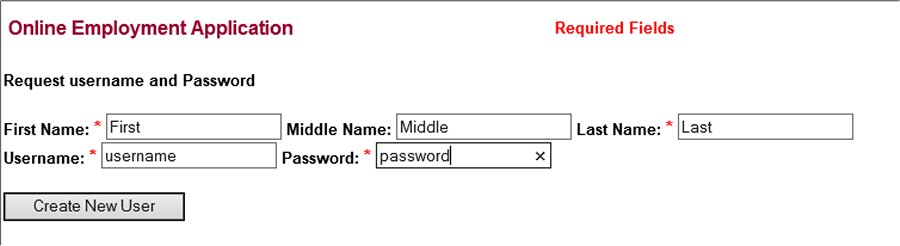
Requesting a username and password
This
application process is not accessible from smart phones.
Enter
all the required fields.
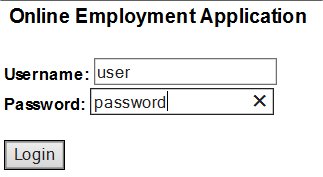
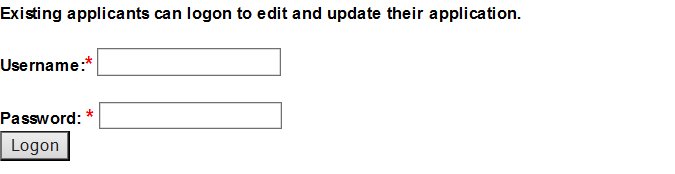
Remember your username and password.
Don't create multiple username and passwords.
Be neat and complete.
Application
Process
Part 1 of 4
Applicant Information
Enter all
the required fields.
Remember your username and password.
Be neat and complete.
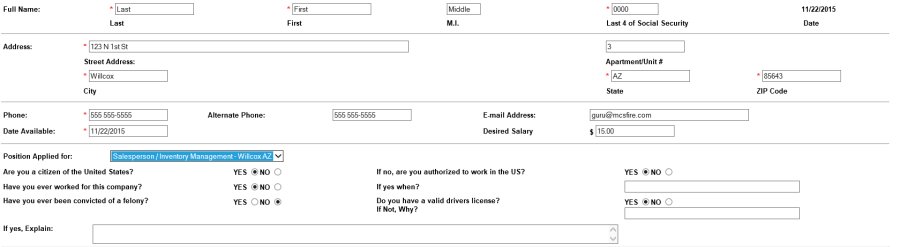

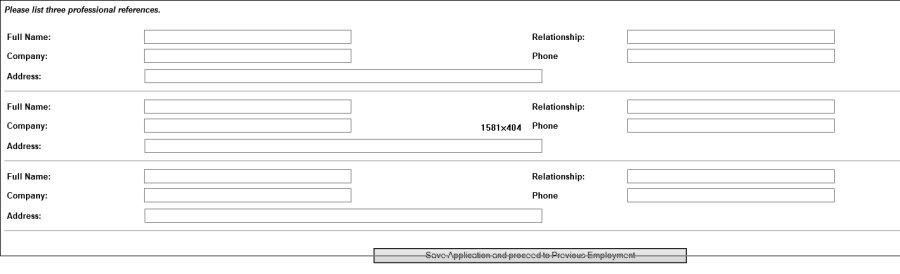
When Part 1 is complete click on:
"Save Application and proceed to Previous Employment"
Application Process Part 2 of 4
From part 2 you can:
- Edit your Username and Password
- Edit your Applicant Information
- Add Previous Employment
- Continue Without Adding More Previous Employment

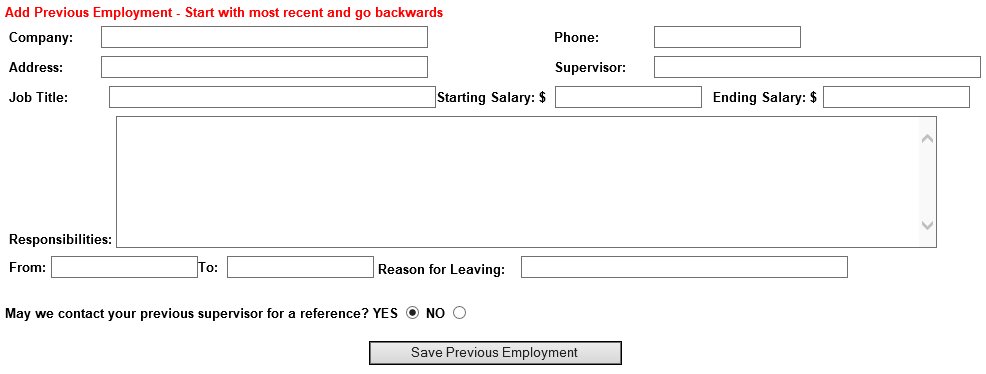
After adding Previous Employment Click to save
Previous Employment will be updated on your application.
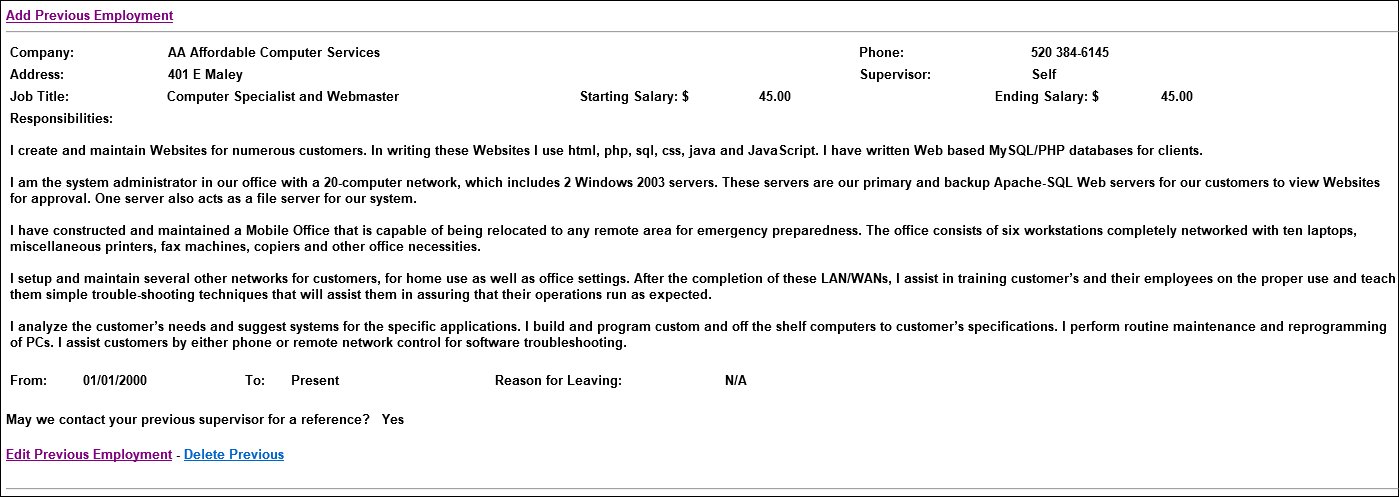
More Previous Employments can be added by clicking Add Previous Employment
Continue Without Adding More Previous Employment
Application Process Part 3 of 4
Documents can be attached. CutePDF Writer can be downloaded and installed from http://www.cutepdf.com/

E-Sign Application and Proceed to Questionnaire.

Application Process Part 4 of 4
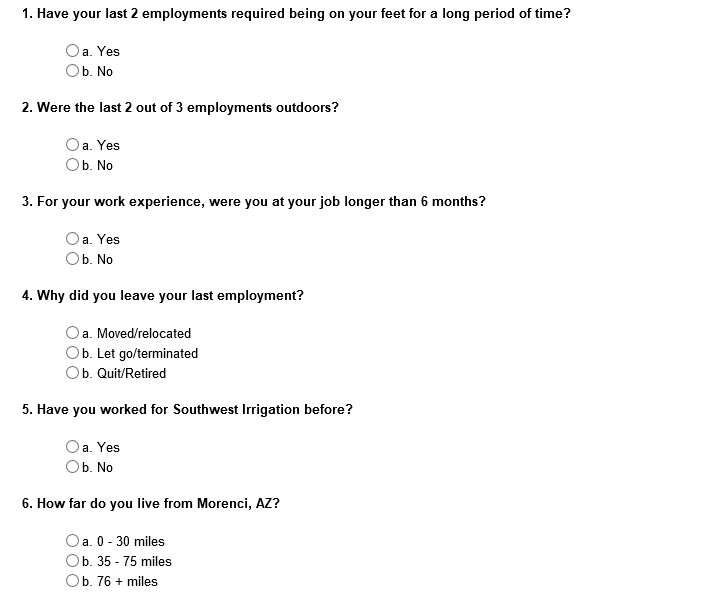
Answer all questions then click Save Questionnaire and Finish Application